
Check your device, player and account format
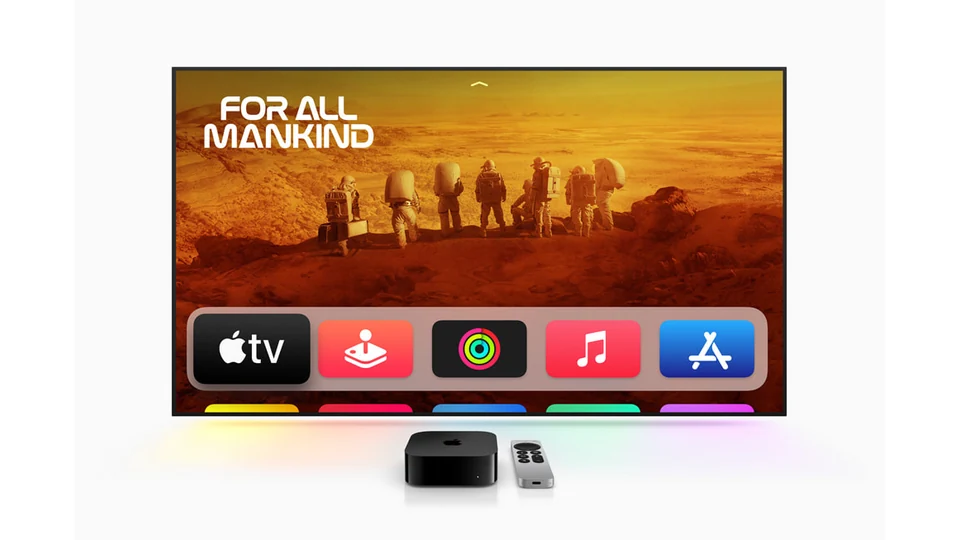
Apple TV 4K is the physical box plugged into your television. The Apple TV app is a separate product. For your own playlist or subscription, start with a compatible player in the App Store on your box.
- Check the app listing on the box itself. An iPhone app may not have a tvOS version, and player purchases can be separate from the service.
- Match the input to what your provider gave you. An M3U playlist URL and an account with a server address, username and password are different setup paths.
- If your account includes a separate electronic program guide (EPG) link, check that the player supports adding one. A blank schedule is not necessarily a playback problem.
Run a five-minute playback check
- Add your account using the matching setup path in the player. Keep credentials off screenshots and public posts.
- Play an HD channel first for at least a minute. Then try a second channel and, where available, one on-demand title.
- Try a source your provider confirms is 4K. A 4K output setting alone does not prove the source is native 4K.
- If you need two screens at once, repeat the test on both while they are playing. Installing the app on two devices is not the same as using two active connections.
Check HDR and frame rate separately
On Apple TV, open Settings > Video and Audio > Match Content. Apple explains that Match Dynamic Range matches the source's dynamic range and Match Frame Rate matches its frame rate. Change one setting at a time, then replay the same test clip. A brief black screen during a mode switch can be normal; a sustained black screen needs a separate display or HDMI check.
See Apple's Match Content instructions or our 4K streaming guide for the difference between source quality and device output.
Use the symptom to choose the next test
- Login fails before anything loads
- Check the account format and server address privately with your provider. Do not reinstall the app until you know how to recover your account details.
- One channel stutters; the others play
- Write down the channel, quality variant and time. Compare a second channel before changing your network or display settings.
- The video plays but the TV guide is empty
- Check whether the issue affects one station or the whole guide. Verify the guide source and refresh it using your player's own settings.
- Several apps buffer on the same device
- Check connectivity at the TV. If your box has an Ethernet port, repeat the same playback test over a wired connection. Use the buffering checklist to compare the two connections.
 Ask about my Apple TV setup