
A search for the best IPTV app for Firestick often mixes up two purchases: a player and a channel subscription. At USA IPTV Hub, we help you choose the player first, so you know what your Fire TV can install and which login details you need before ordering service.
1. Check Fire OS or Vega OS before downloading
Find the exact model and software information in your Fire TV settings, and compare them with Amazon's device and operating-system table. A similar-looking remote or the words "4K Stick" are not enough to identify the platform.
Fire OS and Vega OS are different platforms. Do not apply Android APK sideloading instructions to a Vega OS model. On Vega OS, check the device's Appstore for a supported app instead. Send us the model name if you are unsure; do not buy another box just to try an unverified download.
2. Match the player to how you watch
This is a selection guide for the options we can discuss with you, not a lab-tested speed ranking. We sell subscriptions, and TiviMate is an independent app, not our product.
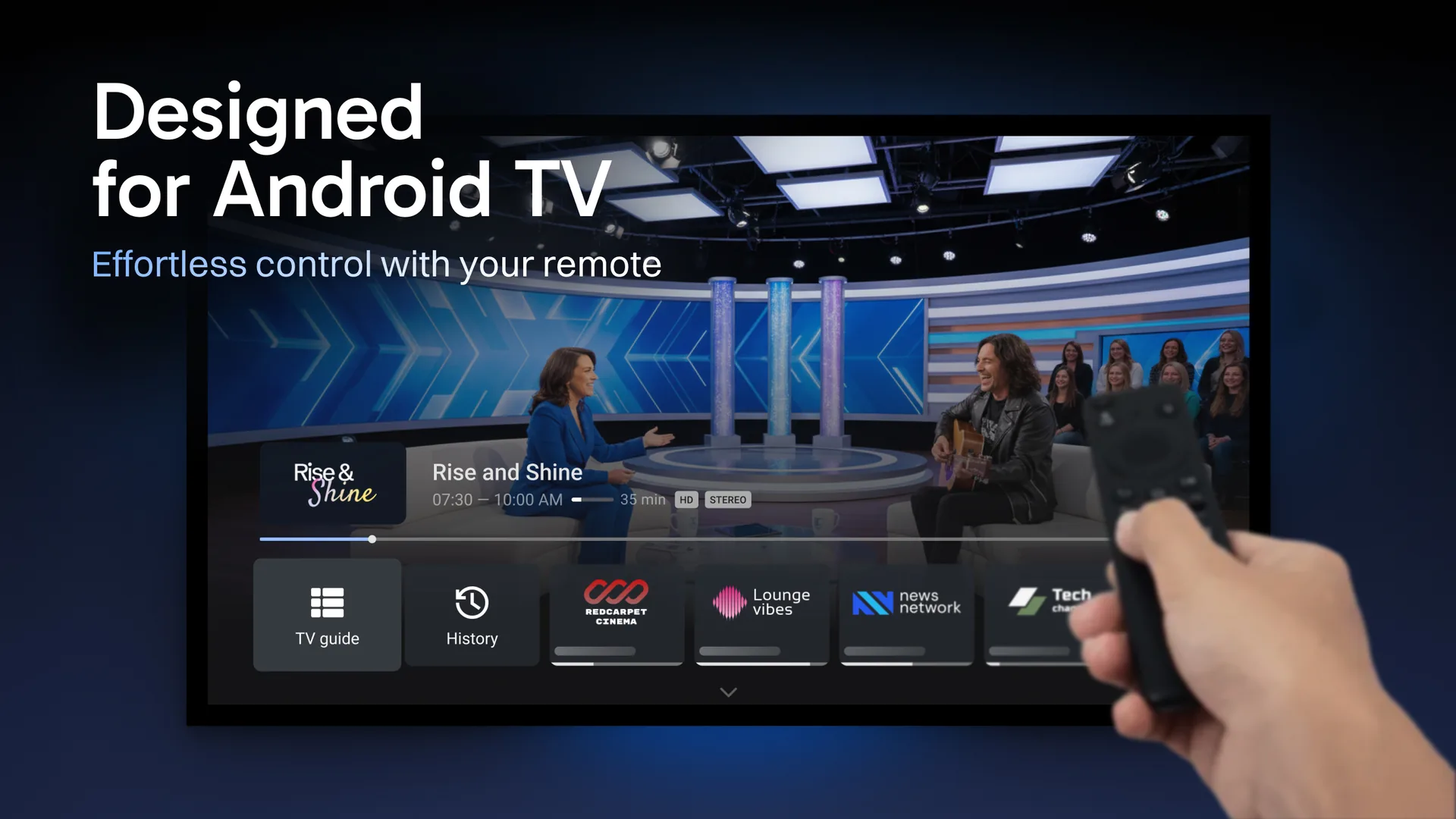
- TiviMate: start here for a TV-guide-focused experience
- Useful when you want a remote-friendly guide and already have compatible playlist details. Its publisher offers playlist management and other player features. Some features require Premium, and buying Premium does not buy channels. Check the current feature and purchase details with the publisher.
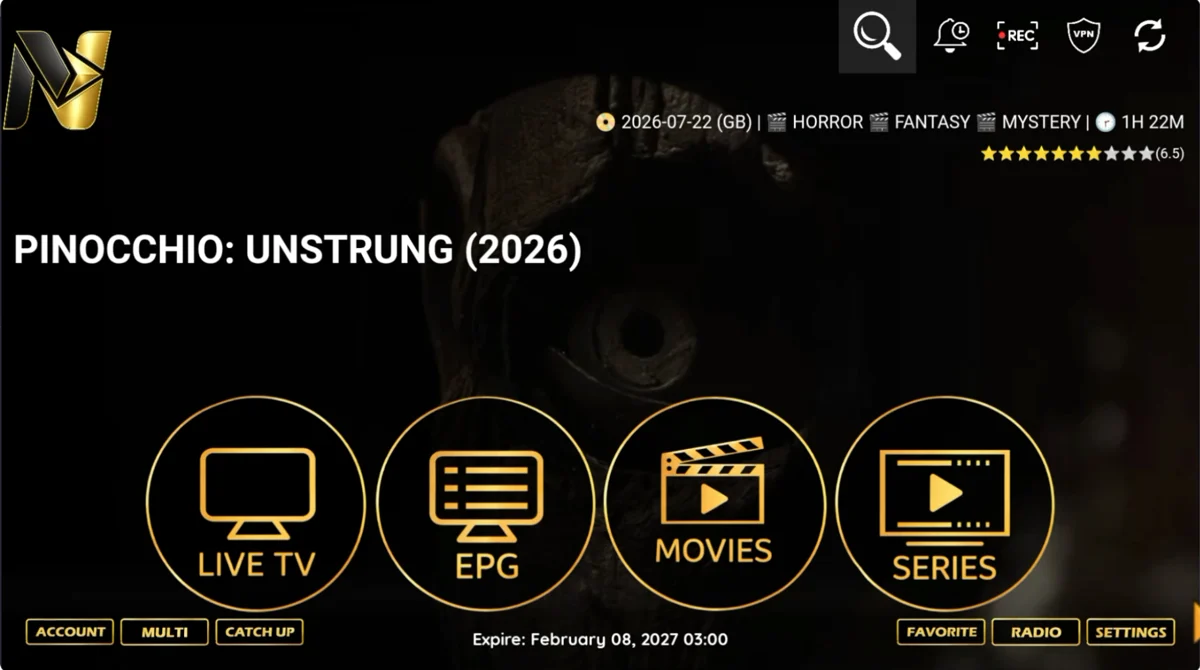
- Nitro4K: ask about the assisted login route
- The illustrated interface separates Live TV, EPG, Movies and Series. Ask USA IPTV Hub whether this player is appropriate for your device and order. Nitro4K is the actual player name shown in the screenshots, not the name of this website.
- TVURO: compare the alternative layout
- The supplied home screen groups Live TV, Movies, Series and Sport Events. Choose it for a layout you prefer after support confirms compatibility. Changing the player does not add simultaneous connections to your plan.
3. Use a verified installation route
For TiviMate, use tivimate.com. The publisher currently lists Downloader code 272483 and tivimate.com/apk. These identify the app download, not your playlist or subscription. The app is intended for Android TV devices; confirm your Fire TV is compatible before following that route.
For an assisted Nitro4K or TVURO setup, start with our illustrated Fire TV tutorial and confirm the intended player with support. Our Downloader code guide keeps those installation routes together. Stop if a code opens an unexpected application or asks for an unrelated payment.

4. Know which details the login screen needs
A player asking for a server URL, username and password needs the compatible subscription details supplied for that route. A player asking only for a username and password may use a different setup. Ask for the format that matches the app instead of guessing a server address.
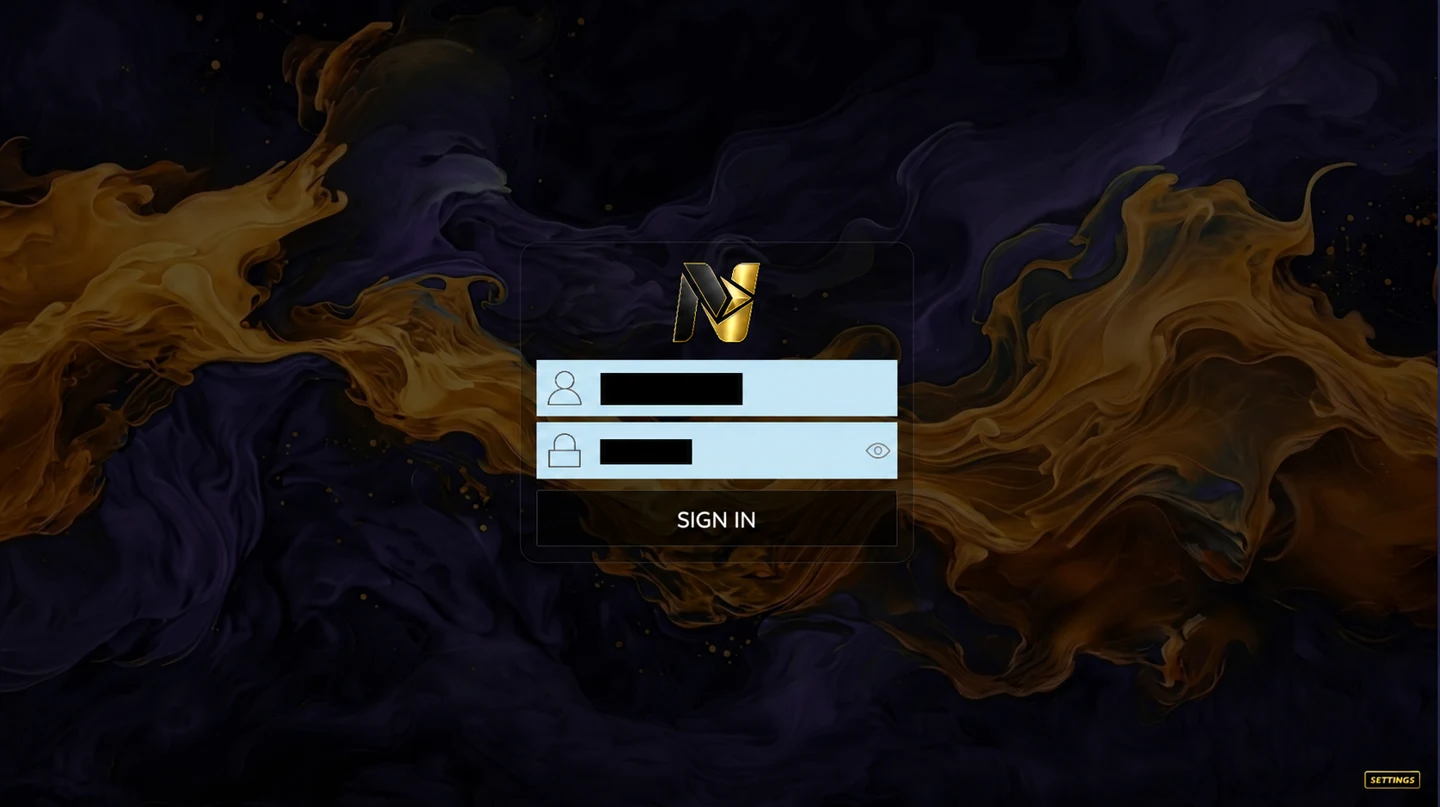
After signing in, try remote navigation, a channel you are entitled to access and the programme guide. If channels play but the guide is empty, report the guide issue separately. If playback stalls, use the buffering checklist before reinstalling or buying another app.
5. Separate the player cost from the plan
Your budget may include a player fee as well as the subscription. On USA IPTV Hub, the one-device monthly plan is $16 USD; selecting more simultaneous devices changes the price. TiviMate Premium or another app activation does not increase that allowance.
Before ordering, send your exact Fire TV model, preferred player and any essential channels or languages. Our subscription guide explains the order steps and what to confirm before payment.
 Ask about my setup