
A short code saves typing a long address with your TV remote. It does not activate a subscription. Use this reference to download the intended application, recognise the next screen and avoid mixing up an app code with your private login.
The codes at a glance
- Nitro4K
7503723Our app; supplied by the USA IPTV Hub team.- TVURO
6174786Our alternative app; supplied by the USA IPTV Hub team.- TiviMate
272483Independent player; check the publisher's download page for the current version.
These are application download shortcuts, not a channel package, playlist or access password. Code destinations can change. Confirm the app name before installing and contact support if the destination is unexpected.
Which devices can use this method?
Use the route on compatible Android TV, Google TV or Fire OS devices where Downloader and APK installation are supported. It is not an installation method for iPhone, iPad, Apple TV, Samsung Tizen or LG webOS. A Fire TV running Vega OS also needs a different supported route.
Read our Fire TV app comparison or Xiaomi TV Box guide if you need help choosing. TiviMate is designed around TV/remote use, not as a universal touchscreen app. Use the device selector for other platforms.
1. Open the correct Downloader app
Look for Downloader by AFTVnews in the supported device store. Check the publisher, not only the orange icon. Its Google Play listing describes downloading through URLs and short codes. On compatible Fire TV devices, use the Amazon Appstore route shown in our Fire TV tutorial.

2. Enter one code and choose Go
Select Downloader's URL or short-code field. Type only the digits for your chosen app, with no spaces or extra punctuation, then choose Go. Do not enter all three codes together. If the code resolves to a download page, check that it matches the application you intended.
A code should not require your Amazon, Google or Apple account password. If a page requests unrelated payment or asks you to ignore a security warning, stop. Ask support to confirm the correct route rather than trying random replacement codes.

3. Verify the app before installing
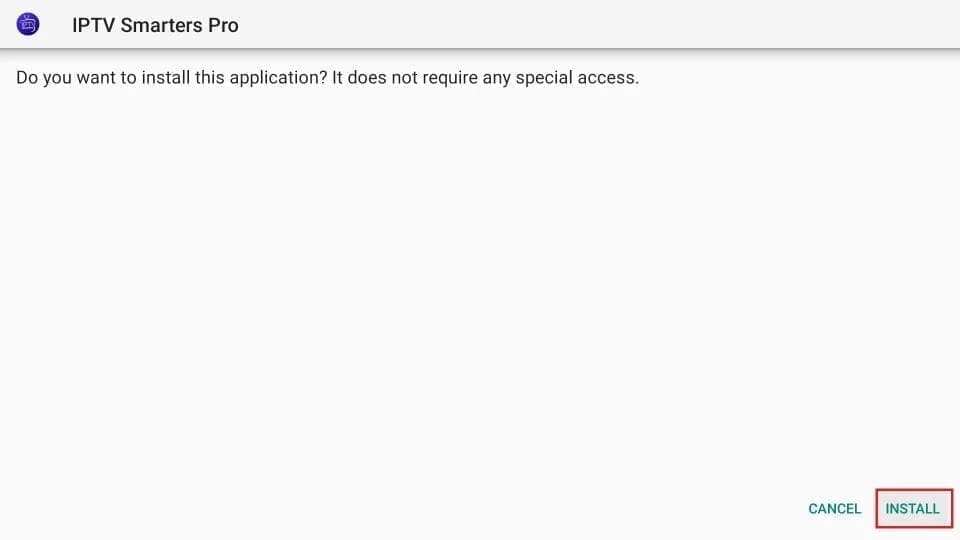
Once the file downloads, check the app name in the installer and select Install. If your device requires installation permission, enable it only for Downloader using that device's supported settings. Select Open when installation finishes, and turn the source permission off afterwards.
The exact installer appearance varies. Keep device security checks enabled; an incompatible or blocked package needs investigation, not a blanket security override. On Android TV or Google TV, TiviMate also has an official Google Play installation option.
4. Use the correct service login
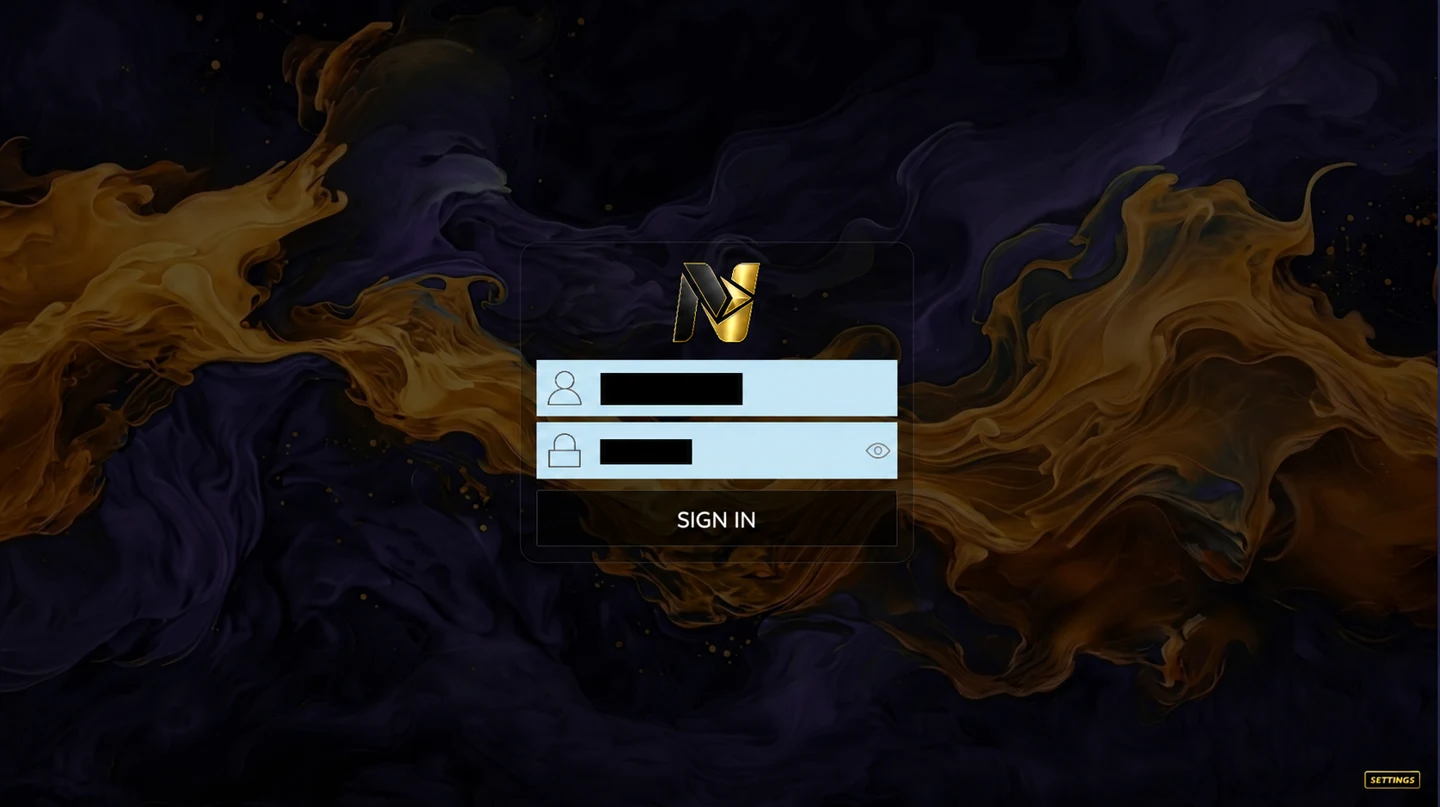
Open Nitro4K or TVURO and enter the username and password supplied for that setup. For TiviMate, add the supported playlist details from your provider; an Xtream Codes login normally separates the server URL, username and password. Do not paste the download code into these fields.
Read player versus subscription before paying an app activation fee. A player purchase and a USA IPTV Hub subscription are different products. Use only content you are entitled to access and send private account information only to the support team, not in public comments.
Code not working?
The code opens a page but nothing installs. What now?
Check that you used Downloader's address field, that the download completed and that the app supports your operating system. Send support the code, device model and exact message. Do not repeatedly install unknown alternatives.
Does the code include free channels?
No. It downloads an application. Service access and any separate player activation must be arranged independently.
Can I use the same subscription on five devices?
Select the number of simultaneous connections you need on the pricing page. Installing an app on five devices does not add connections to a one-device plan.
 Ask about my setup